Shop
Alchemy Factory Shop Recognition & Sales Flow
Fix shop detection, shelf flow, and selling problems that make customers stop buying.
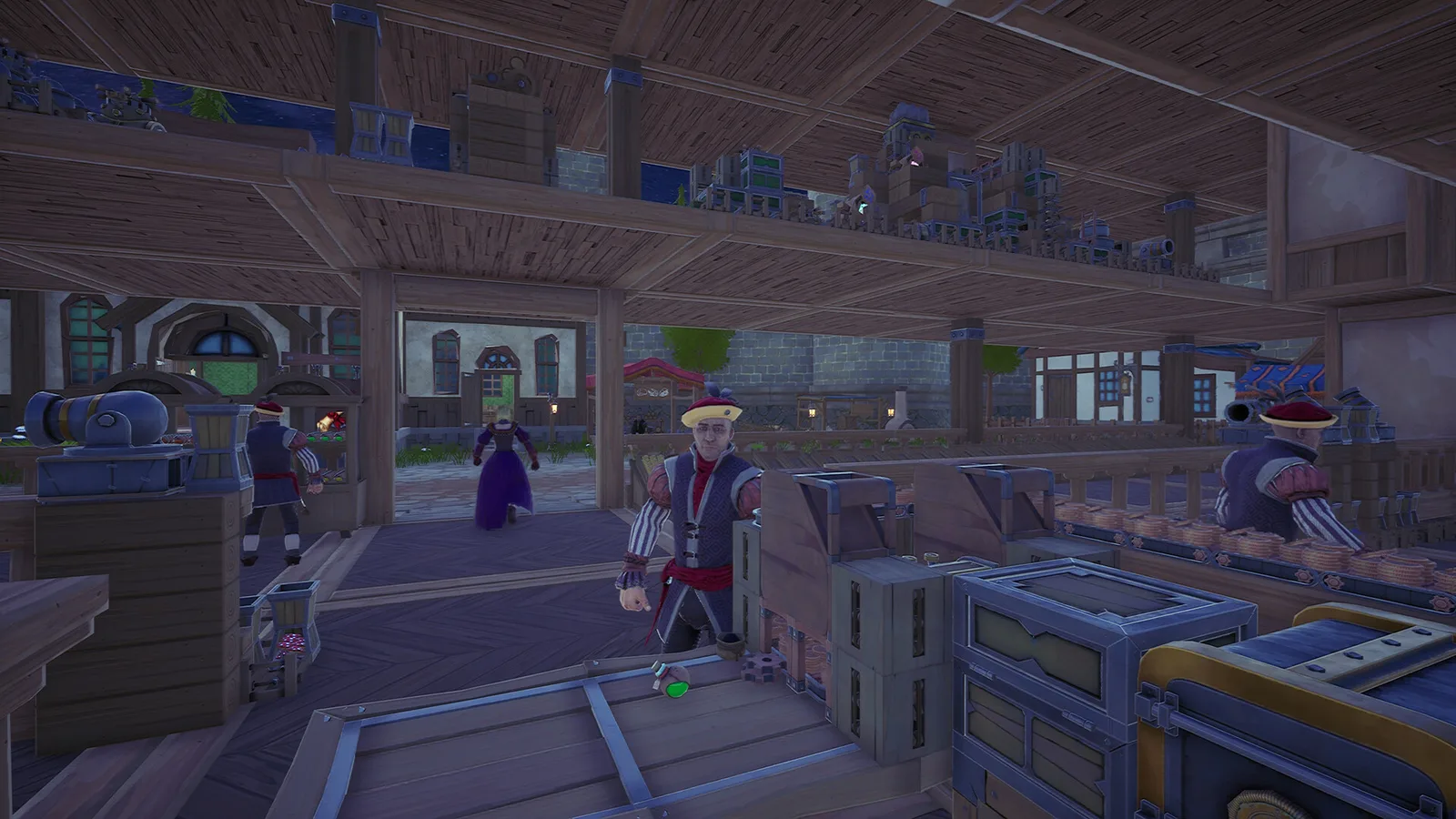
Fix shop detection, shelf flow, and selling problems that make customers stop buying.
Quick answer
Build the smallest working version first, confirm that inputs stay supplied and outputs keep moving, then scale. Alchemy Factory rewards visible, modular logistics more than clever but fragile spaghetti routing.
Treat the shop as a system
The shop is not just decoration: checkout capacity, stocked shelves, recognition, and product flow all affect whether production turns into money.
Solve empty shelves first
A customer cannot buy what never reaches the shelf. Trace the chain from production output to storage, transport, shelf, then checkout.
Automate checkout when unlocked
Player footage shows the automatic cashier as a major quality-of-life milestone because it removes repeated manual processing.
Avoid overproduction
If shelves are full while production keeps running, the bottleneck may be sales throughput rather than manufacturing. Reduce upstream load or add selling capacity.
Display your recognitions (v1.1)
The October 16, 2026 update (v1.1.5023) added the Recognition Display Stand: it displays the Shop Recognitions you have obtained. As this page says, the shop is a system — putting the stand where you audit shelf flow makes recognition progress visible while you trace the chain.
Troubleshooting checklist
- Confirm the current patch and unlock state.
- Inspect the upstream input before rebuilding the output side.
- Check for full storage, blocked belts, or an empty support resource.
- Test one module in isolation.
- Scale only after the isolated module stays stable.
Source used
- I Spent 100 Days in Alchemy Factory and Here’s What Happened — supplied transcript with timestamps.
- Official Alchemy Factory v1.1.5023 and v1.1.5024 patch notes (Steam announcements, October 16, 2026).