1.0 Systems · VERIFIED WORKFLOW
Alchemy Factory Brew Barrel Guide
Place the 1.0 Brew Barrel into production without creating a new ingredient bottleneck.
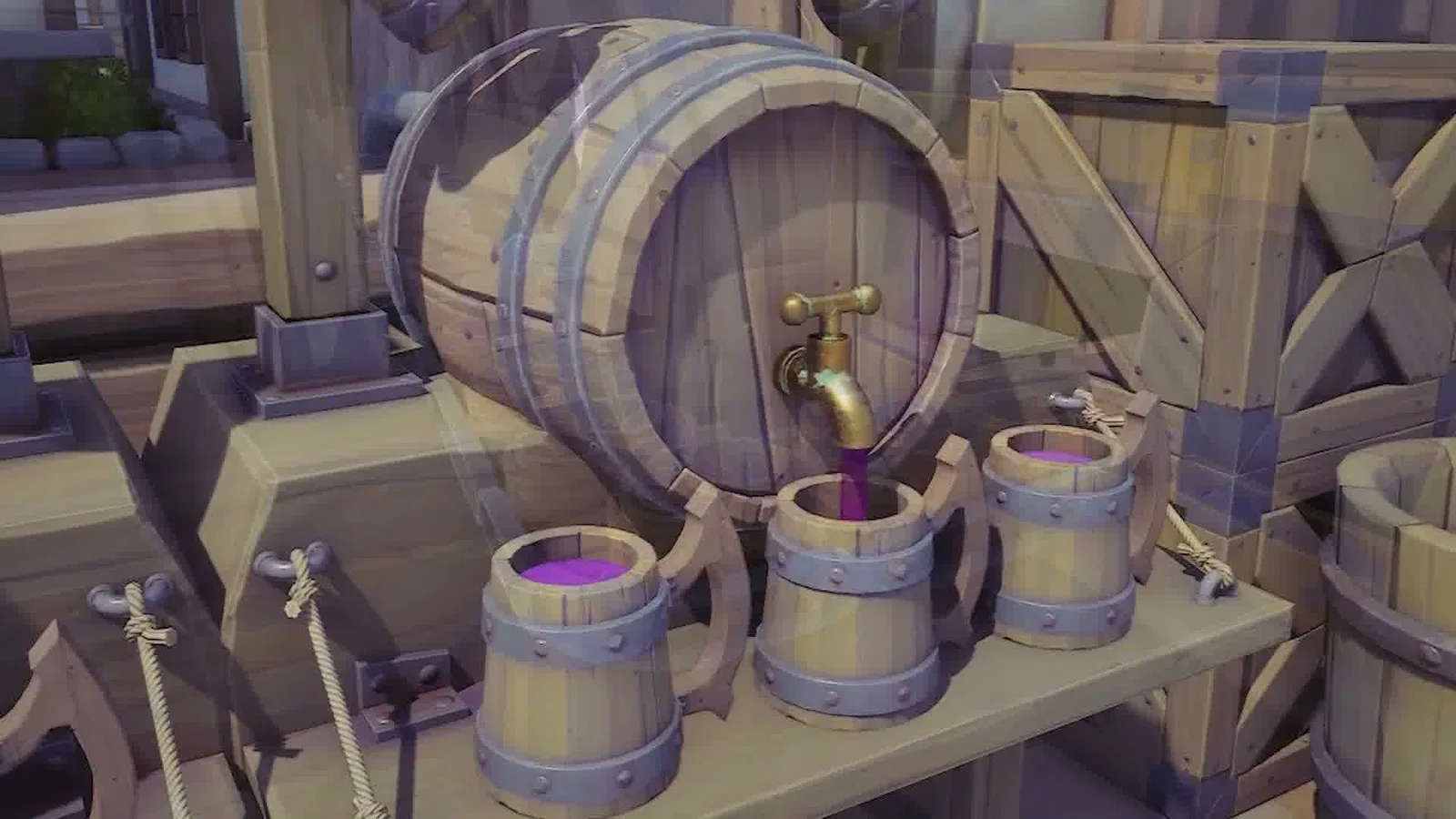
Alchemy Factory Brew Barrel Guide
Evidence status: Verified from supplied long-form player footage. Checked 2026-09-11. Exact numeric recipes may change with patches.
Place the 1.0 Brew Barrel into production without creating a new ingredient bottleneck.
Quick answer
Build the smallest working version first, confirm that inputs stay supplied and outputs keep moving, then scale. Alchemy Factory rewards visible, modular logistics more than clever but fragile spaghetti routing.
Treat new machines as a chain change
A new 1.0 machine is not just an extra building. It changes what ingredients, storage, and logistics the surrounding floor needs.
Prototype first
Build one barrel in a test area, watch its real inputs and output behavior, then design the permanent module.
Connect to existing liquid logistics
Where possible, place brewing near other liquid processing so pipes, belts, or vertical transport stay organized.
Verify before blueprinting
Do not make a large blueprint until the current patch behavior is proven in your save.
Troubleshooting checklist
- Confirm the current patch and unlock state.
- Inspect the upstream input before rebuilding the output side.
- Check for full storage, blocked belts, or an empty support resource.
- Test one module in isolation.
- Scale only after the isolated module stays stable.
Source used
- Alchemy Factory 1.0 - Day 2 — supplied transcript with timestamps.