Blueprints · VERIFIED WORKFLOW
Alchemy Factory Blueprints Guide
Save repeatable modules, scale cleanly, and avoid blueprint traps in 1.0.
Alchemy Factory Blueprints Guide
Evidence status: Verified from supplied long-form player footage. Checked 2026-09-11. Exact numeric recipes may change with patches.
Save repeatable modules, scale cleanly, and avoid blueprint traps in 1.0.
Quick answer
Build the smallest working version first, confirm that inputs stay supplied and outputs keep moving, then scale. Alchemy Factory rewards visible, modular logistics more than clever but fragile spaghetti routing.
Start with modules, not whole factories
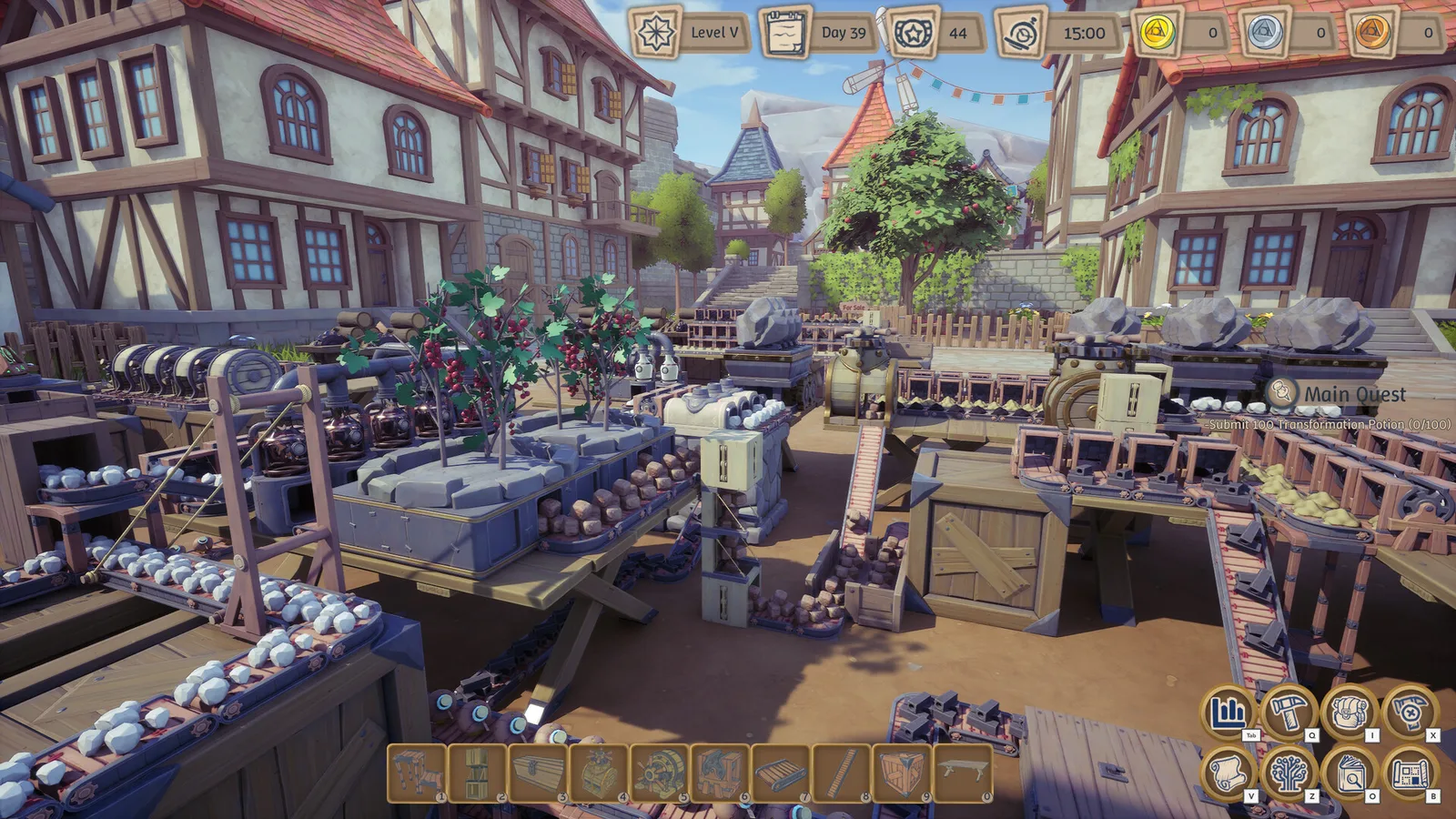
Blueprints are most useful when they capture one repeatable production unit. A player walkthrough shows a fertile-catalyst line being broken into several blueprint-sized pieces instead of forcing the whole floor into one blueprint.
Design around interfaces
Treat every blueprint like a component: mark where fuel, fertilizer, ingredients, and outputs enter or leave. That makes copies easier to connect and debug when the factory grows.
Re-check after recipe changes
One creator had to re-record a fertile-catalyst build because the recipe changed mid-process. Keep blueprints version-aware and verify old layouts after major patches.
Scaling checklist
Copy one module, confirm throughput, then duplicate. Avoid sharing a fragile upstream supply across too many modules unless you have measured spare capacity.
Troubleshooting checklist
- Confirm the current patch and unlock state.
- Inspect the upstream input before rebuilding the output side.
- Check for full storage, blocked belts, or an empty support resource.
- Test one module in isolation.
- Scale only after the isolated module stays stable.
Source used
- Alchemy Factory - Ep. 20 Fertile Catalysts (NEW) — supplied transcript with timestamps.