
Multiplayer · VERIFIED WORKFLOW
Alchemy Factory Dedicated Server: What to Verify
A cautious 1.0 checklist for multiplayer hosts without inventing unsupported launch arguments.
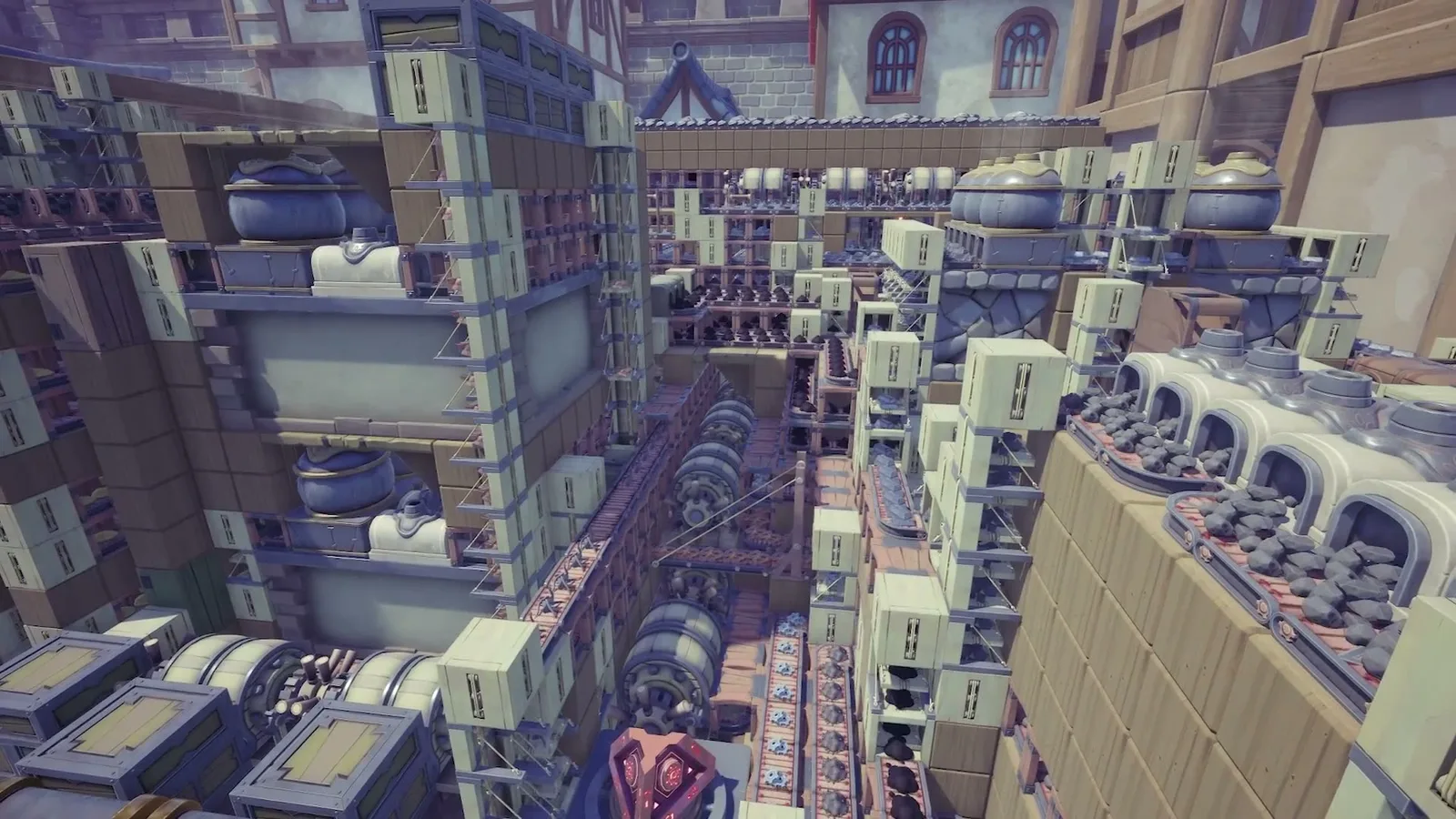
Alchemy Factory Dedicated Server: What to Verify
Evidence status: Verified from supplied long-form player footage. Checked 2026-09-11. Exact numeric recipes may change with patches.
A cautious 1.0 checklist for multiplayer hosts without inventing unsupported launch arguments.
Quick answer
Build the smallest working version first, confirm that inputs stay supplied and outputs keep moving, then scale. Alchemy Factory rewards visible, modular logistics more than clever but fragile spaghetti routing.
Support exists, details vary
Multiplayer support is part of the game, but this source pack does not contain a complete authoritative list of current dedicated-server flags.
Verify the current port and build
Before opening firewall rules, confirm the port and server build documentation for the exact current version.
Back up saves
Treat server migration and major-version updates like infrastructure changes: make a copy of the world/save first.
Avoid copied command lines
Do not paste an old Early Access launch command simply because it appears in a forum. Check each parameter against current official documentation.
Troubleshooting checklist
- Confirm the current patch and unlock state.
- Inspect the upstream input before rebuilding the output side.
- Check for full storage, blocked belts, or an empty support resource.
- Test one module in isolation.
- Scale only after the isolated module stays stable.
Source used
- Twitch Livestream | Alchemy Factory Demo [PC] — supplied transcript with timestamps.